01
One photo in a shape
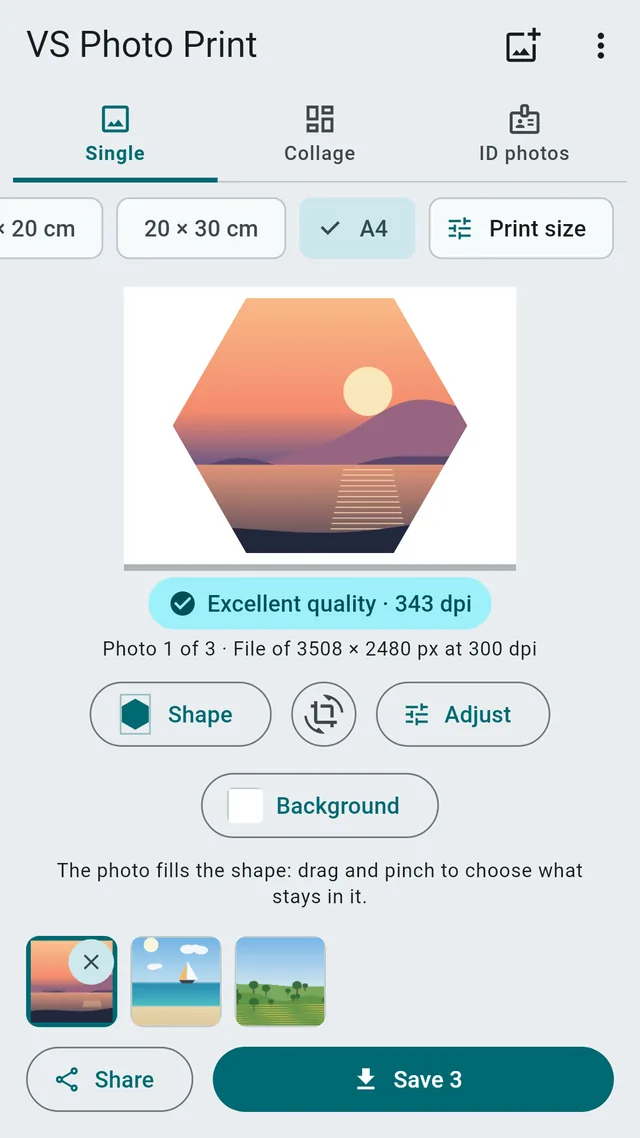
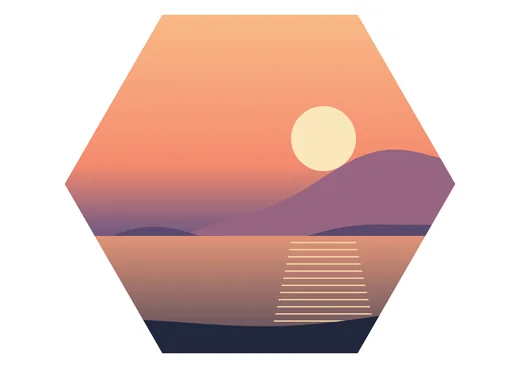
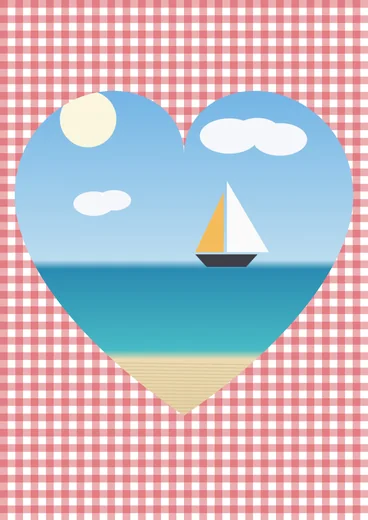
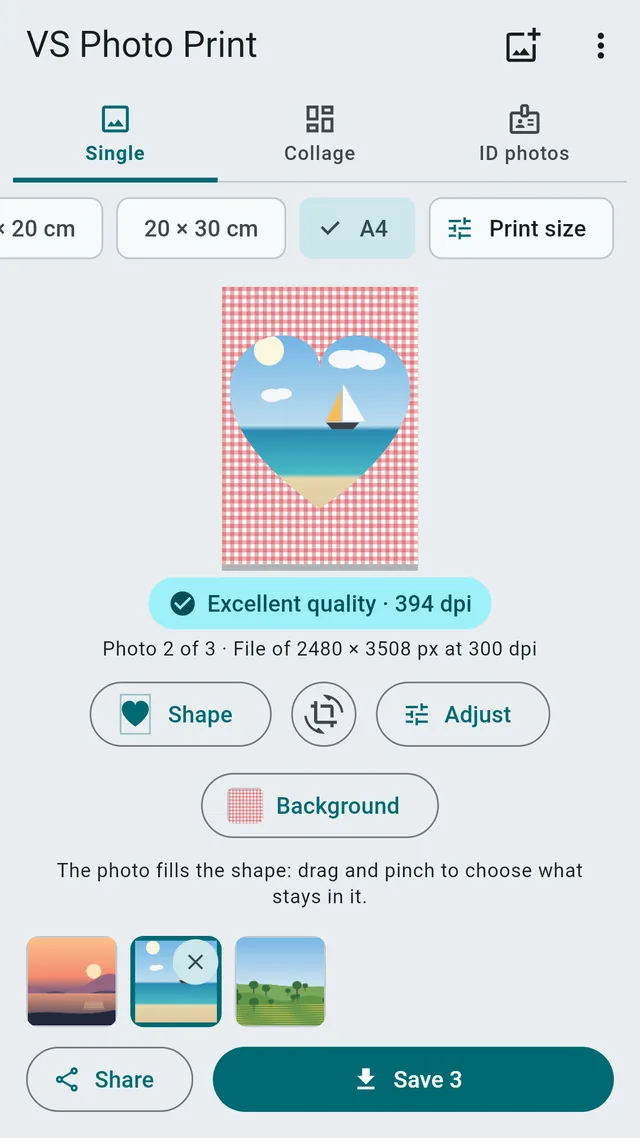
A single photo cut to a heart, circle, oval, arch, hexagon, star or diamond, as large as the sheet, even an A4.
 VS Photo Print
10 × 15 · 13 × 18 · 20 × 30 · A4 · 4 × 6 in
Phone photos don't have the proportions of prints, so labs crop them wherever they like. With VS Photo Print you pick the size, decide what stays and save a file that prints exactly as you see it.
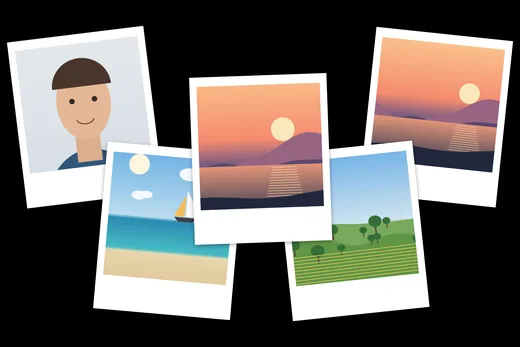
How it works
From your gallery to the print in under a minute.
One or many, from your gallery. No permissions to grant, no account.
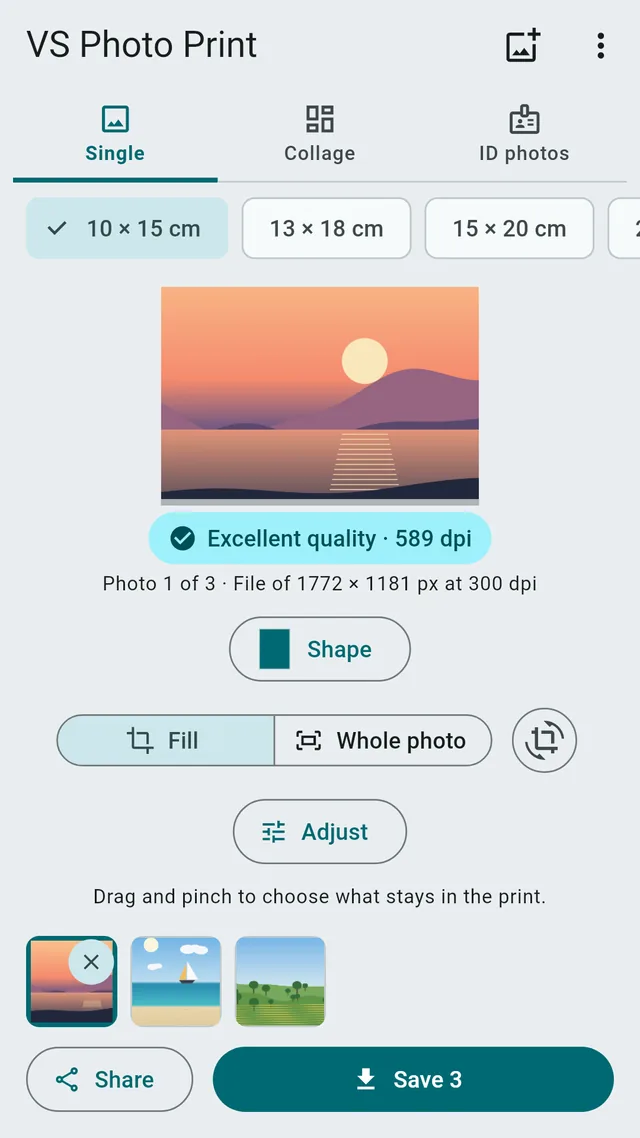
4 × 6, 5 × 7, 10 × 15 cm, square, A4 and more: the preview shows the print right away.
The file has the right proportions and resolution: take it to the lab, the kiosk or your home printer.
Features
Everything you need to print well, in a single app.
01
A single photo cut to a heart, circle, oval, arch, hexagon, star or diamond, as large as the sheet, even an A4.
02
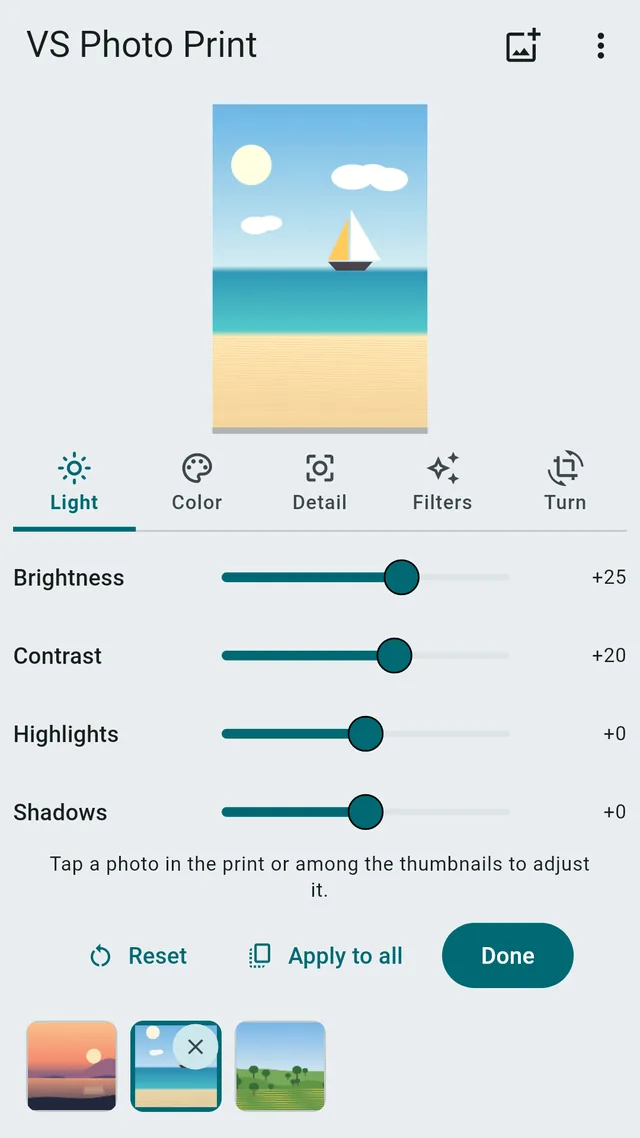
Brightness, contrast, highlights, shadows, saturation, warmth, sharpness and vignette, nine filters, turn, mirror and straighten: the preview shows the print as it will come out.
03
Around the photo, the shape or between collage photos: plain colors, gradients, patterns such as polka dots, gingham, hearts and kraft paper, or the photo itself blurred.
04
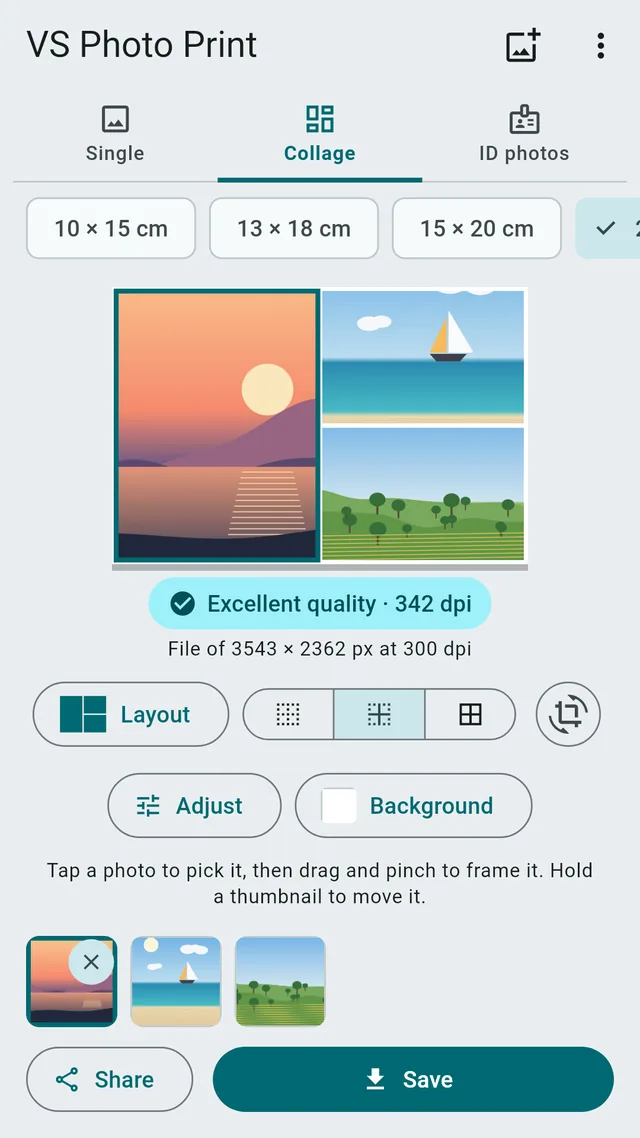
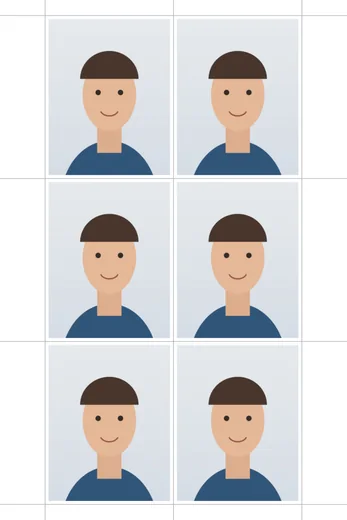
Several photos on one print: grids of up to 30 photos, magazine layouts, instant photos with a white frame, photo booth strips, film strips, diagonal cuts, shapes such as honeycombs and hearts, photo mosaics, or the same photo repeated at document sizes with cutting lines.
Features
The details that make the difference when the photo reaches the lab.
The photo covers the whole print: move it with one finger and zoom with two, so you decide the crop, not the lab.
If you don't want to cut anything, the photo stays whole, with borders in the color or background you pick where it doesn't reach.
Photo prints from 9 × 13 to 100 × 150 cm, squares, panoramic prints, A6 to A0 sheets and inch sizes. Each photo takes the orientation it was shot in.
An indicator tells you whether the photo has enough detail for that size, before you pay for the print.
Everything happens on your phone: no photo is uploaded to a server and the original is never changed.
Google Play
Editing and previewing cost nothing. Each time you save or share, even many photos together, you watch a short ad. Or unlock VS Photo Print once and for all.
FAQ
Answers to the most common questions. For everything else, there's support.
Because the proportions don't match. A phone photo is usually 4:3 or longer, a 4 × 6 print is 3:2. The lab fits the photo to the paper by cutting the edges, often exactly what you wanted to keep. VS Photo Print lets you choose the crop first.
A JPEG with the exact proportions of the chosen size and the print resolution written inside the file: 300 dpi when the photo has enough detail. The lab prints it at the right size, with no adjustments.
No. All the work happens on your phone. Photos only leave it if you share them with another app.
The app is free. Each save asks for a short ad; with a one-time purchase on Google Play you save without limits and without ads.
Yes: choose a paper sheet such as A4 or 8.5 × 11 in, or the size of your photo paper, and print at 100% (actual size) without fitting to the page, so the size stays right.
It depends on the office. VS Photo Print gives the photo the right size with cutting lines, but does not check background, pose, expression and light, and some offices only accept photos taken by a photographer or at the counter. Before printing, check the document rules or ask the office.
Free on Google Play, for Android. No account, your photos stay on the phone.